도커 이미지를 빌드하고 도커 허브에 푸시하기 위한 과정을 정리한 글입니다.
Docker Hub Container Image Library | App Containerization
Software supply chain Secure Your Supply Chain with Docker Hardened Images Use Docker's enterprise-grade base images: secure, stable, and backed by SLAs for Ubuntu, Debian, Java, and more. Regularly scanned and maintained with CVE remediation and long-term
hub.docker.com
도커 허브 사이트에 접속하여 로그인 한 후에 오른쪽 상단의 프로필 아이콘 -> Account settings로 이동합니다.

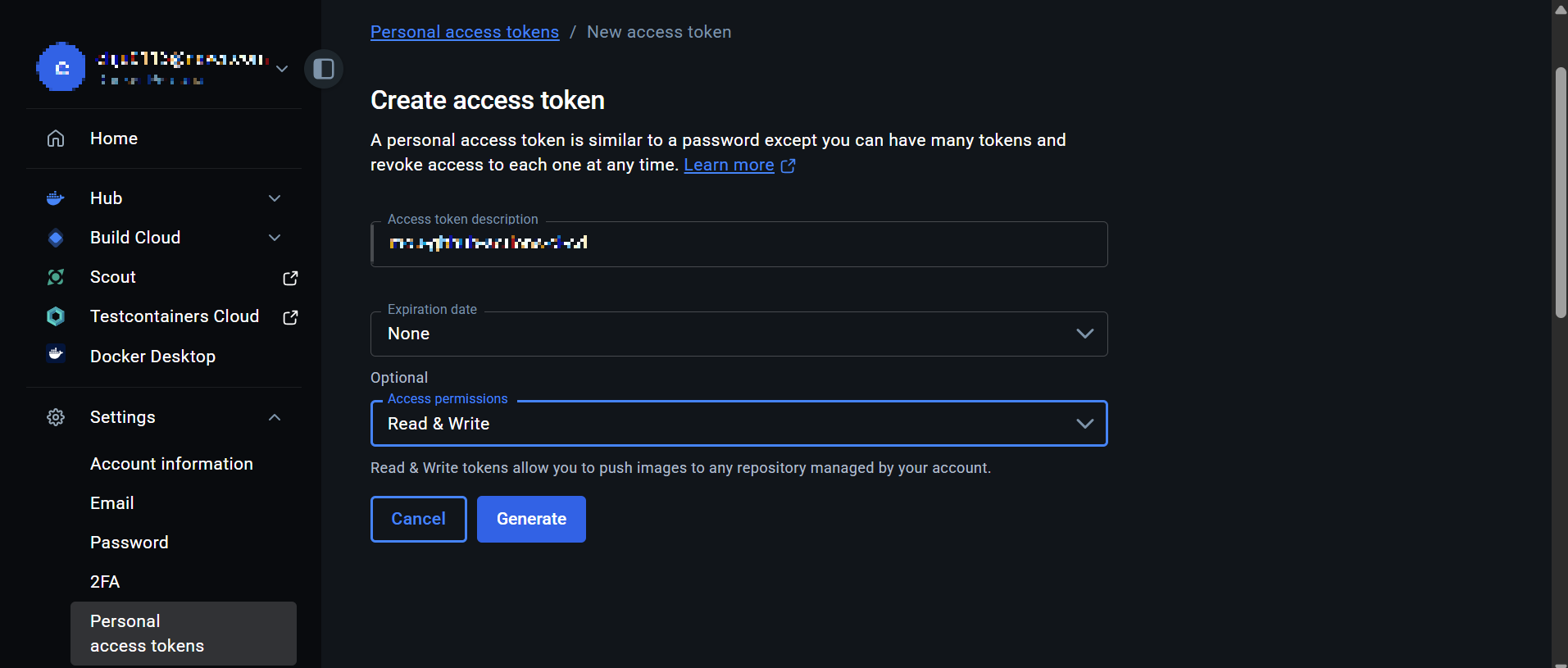
아래 사진처럼 왼쪽 사이드 메뉴에서 Settings -> Personal access tokens -> New access token 순서로 클릭합니다.
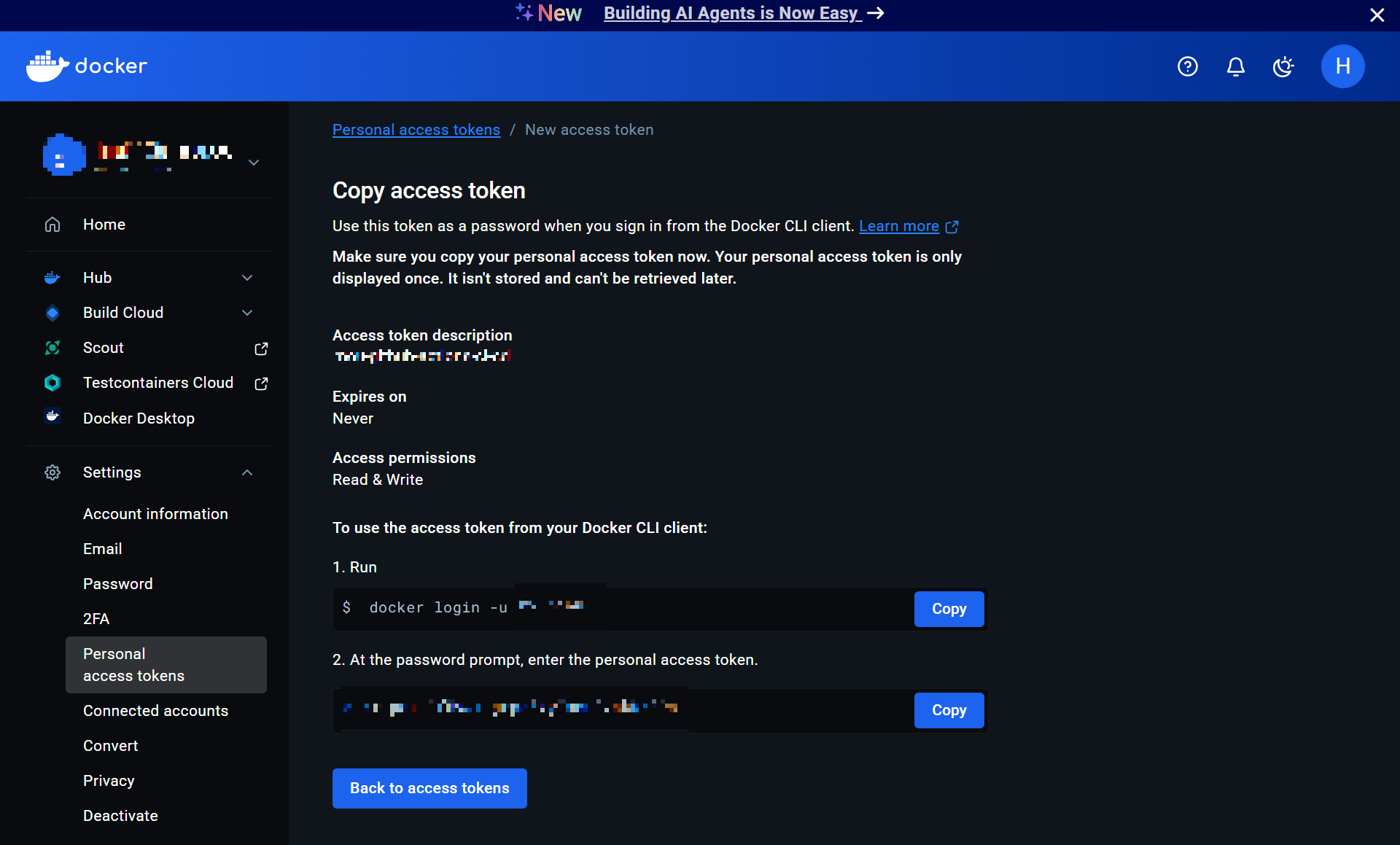
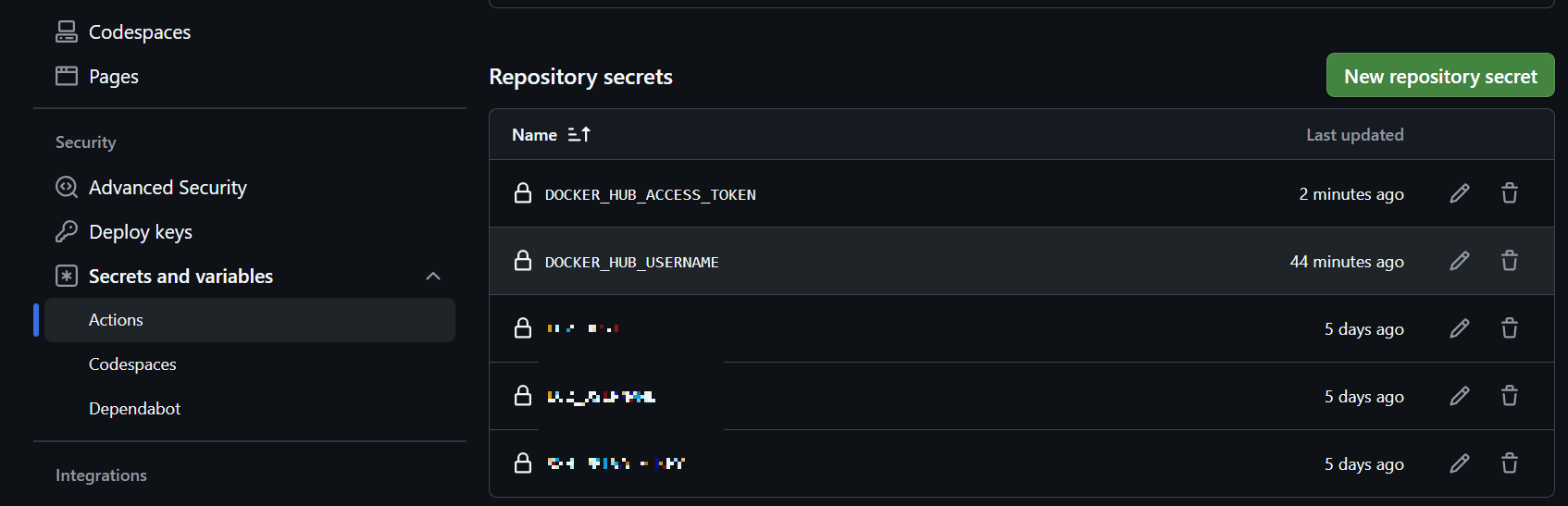
생성된 토큰을 깃허브 레포지토리(Repository -> Settings -> Secrets and variables -> Actions)의 시크릿 키로 등록합니다.
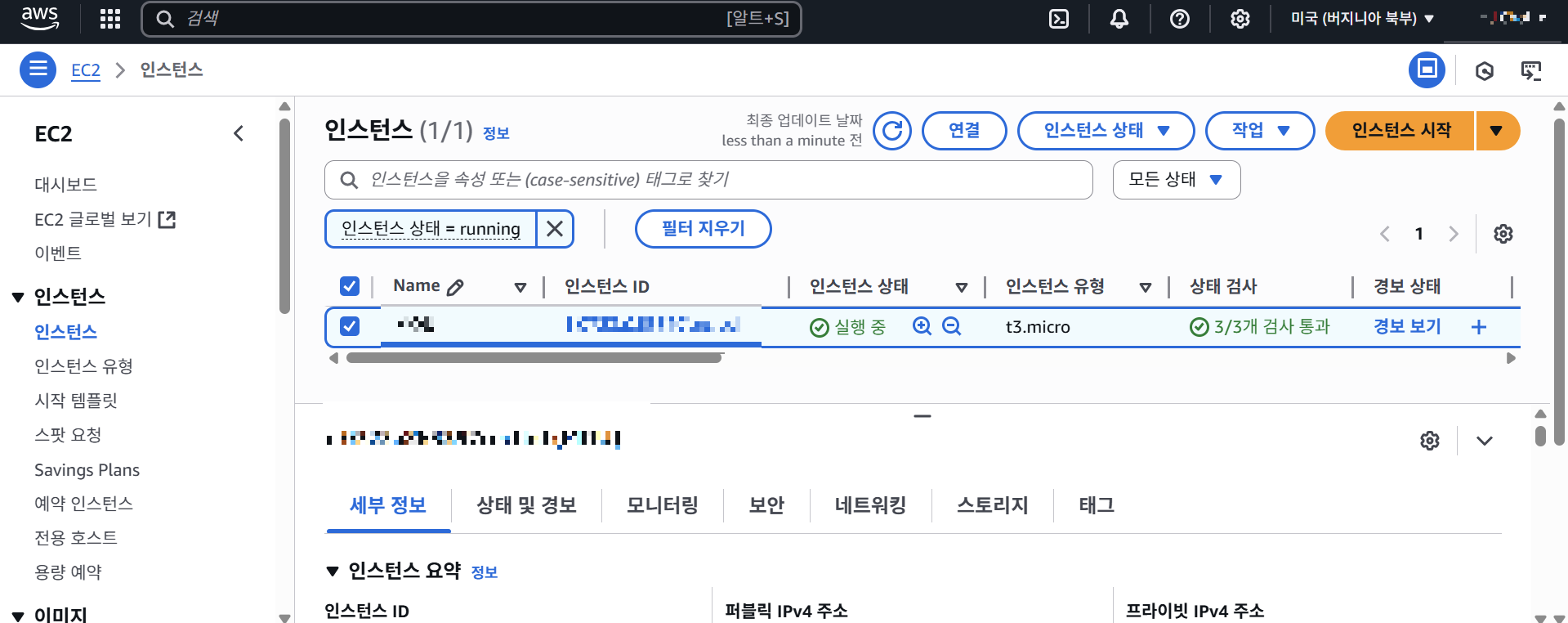
EC2 인스턴스를 생성하기 위해 콘솔에 접속하여 오른쪽 상단에 위치한 인스턴스 시작 버튼을 클릭합니다.
인스턴스 이름, 보안 규칙 등 설정을 추가하고 인스턴스를 생성합니다. 키페어를 생성하면 다운로드되는 .pem 파일을 이용하여 서버에 접속하여 작업할 수 있습니다.
ssh를 사용한 서버 접속
ssh -i [.pem 파일 경로] ubuntu@[public 주소]
Docker 및 Docker Compose 설치
sudo apt update
sudo apt install docker.io -y
sudo usermod -aG docker ubuntu
newgrp docker # 그룹 변경 적용 (터미널 재접속해도 됨)
sudo apt install docker-compose -y
scp(Secure Copy Protocol) 명령어를 사용한 파일 업로드
ssh -i [.pem 파일 경로] [보내는 파일] ubuntu@[public 주소]:[파일을 저장할 경로]
이후 Github Actions를 사용하여 CI/CD를 구축하기 위해 yaml 파일을 작성하였습니다.
'Category > Docker' 카테고리의 다른 글
| 🐳 Docker 자격 증명 에러 해결하기 (docker-credential-desktop not found) (0) | 2025.04.10 |
|---|